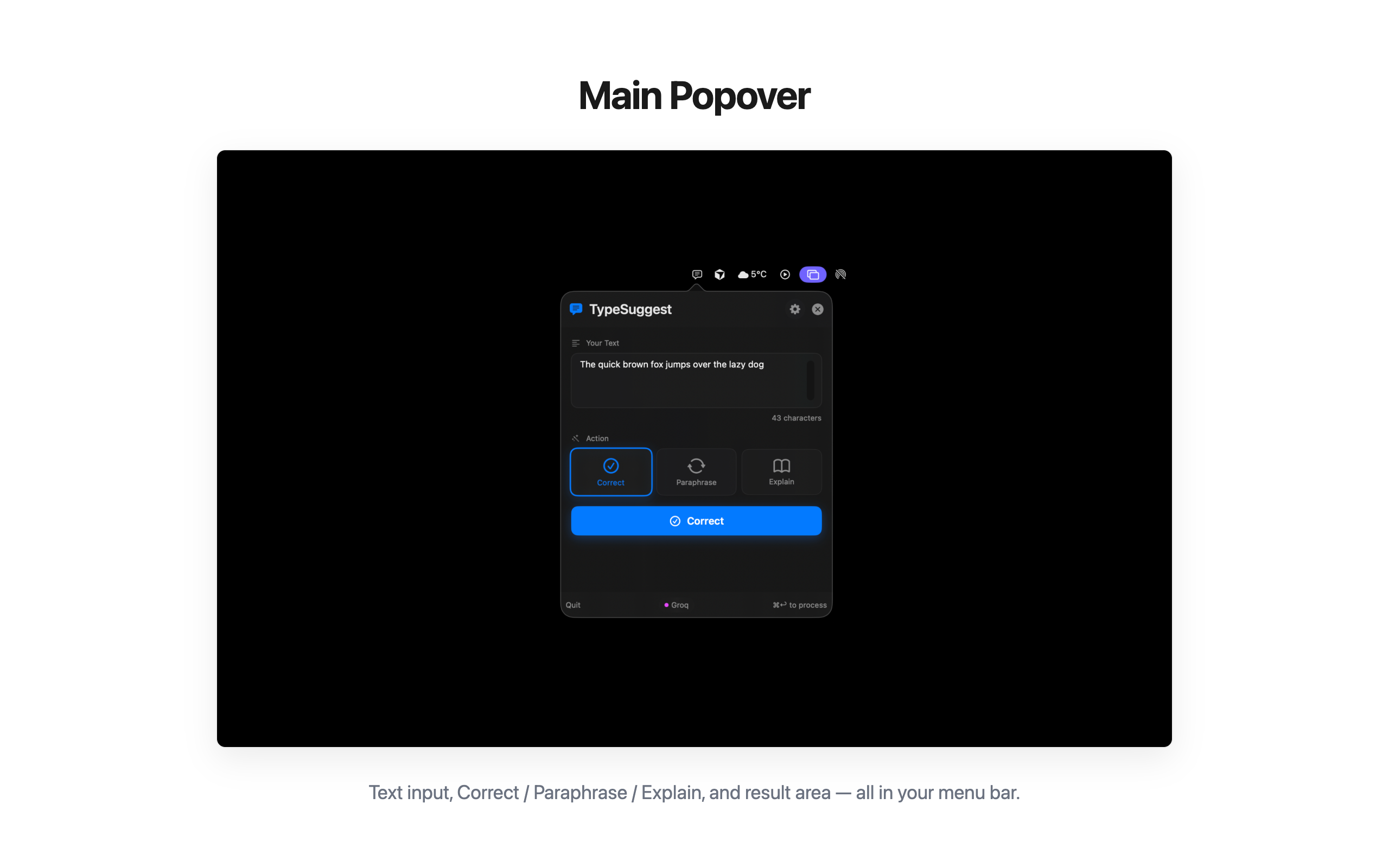
Correct
Fix grammar and spelling. Get clean, polished text — keystrokes intact, voice intact.

Correct, paraphrase and explain text without leaving the page you're on. Use Apple Intelligence for fully on-device runs, or plug in your own Groq, OpenAI or Anthropic key for the heavy lifting.
Single-purpose, lovingly small. No floating window, no document, no account.
Fix grammar and spelling. Get clean, polished text — keystrokes intact, voice intact.
Rephrase in formal, casual or friendly tone. Same meaning, new register.
Plain-English translations of dense paragraphs. Great for legalese, papers, terms of service.
Apple Intelligence for offline runs on Apple Silicon. Nothing leaves your Mac.
Plug in Groq, OpenAI or Anthropic. Pay-as-you-go, no subscription middleman.
Always one click away. No dock icon, no Cmd-Tab clutter, no splash screen.
Anywhere in macOS — a Slack message, an email, a PR description.
Pick correct, paraphrase or explain. Choose tone if it matters.
Result is on the clipboard. Cmd-V into the same field. Done in seconds.
Click any image to enlarge.
Free download, one-time license. No subscription, no telemetry, no account.