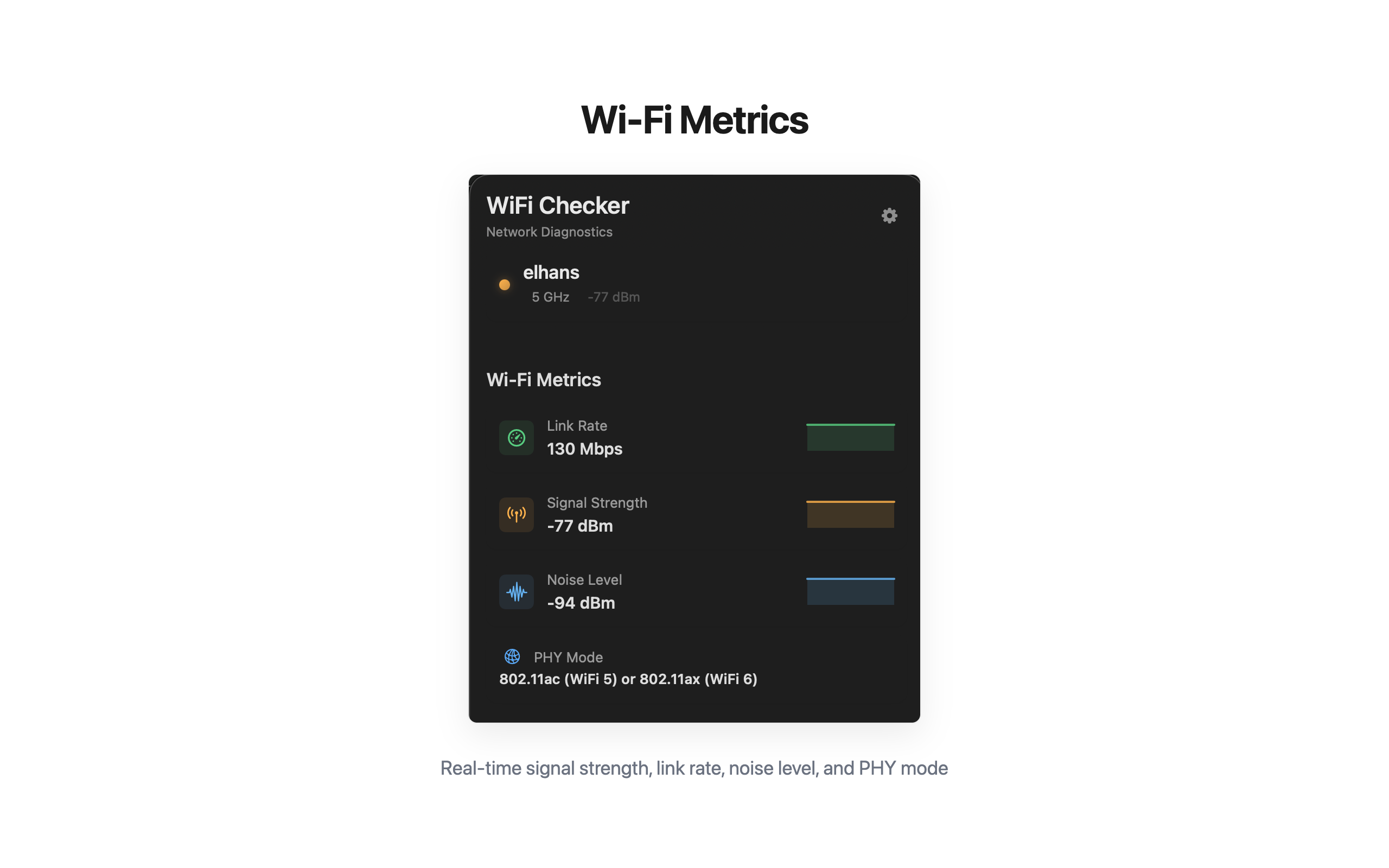
Real-time monitoring
Signal, latency and loss tick live. Glanceable status icon in the menu bar, full popover on click.
Signal strength, latency, packet loss, DNS resolution time, throughput. WiFi Checker watches your network in the background and tells you the second something goes sideways — before you start blaming Zoom.
Every metric updates live. No graphing dashboards to interpret — just the numbers that matter, in plain sight.
Built to answer one question fast: "is the network the problem?"
Signal, latency and loss tick live. Glanceable status icon in the menu bar, full popover on click.
Router probe, internet probe and DNS probe — labelled so you know which leg is failing.
One-click symmetric speed test. Result history kept locally so you can spot regressions.
Resolution time and provider breakdown. Catches the "internet is fine but Slack won't load" class of bugs.
Get notified when signal drops, packet loss spikes, or DNS goes south.
Everything runs locally. No analytics, no account, no third-party servers seeing your network state.
Click any image to enlarge.
Five seconds to install. The first time your meeting drops, you'll know exactly which leg of the network broke.